Is it really the 8-bit chip, or samples?
The real thing. Cartridge synthesises the 2A03's voices in real time, bandlimited so they stay clean at any pitch, with the nonlinear DAC curve that gives the chip its bite. Nothing is sampled off a console, which is why a lead keeps its character up in the high octaves, where sample-based chip instruments start to alias and fall apart.
How many voices does it have? Is it polyphonic?
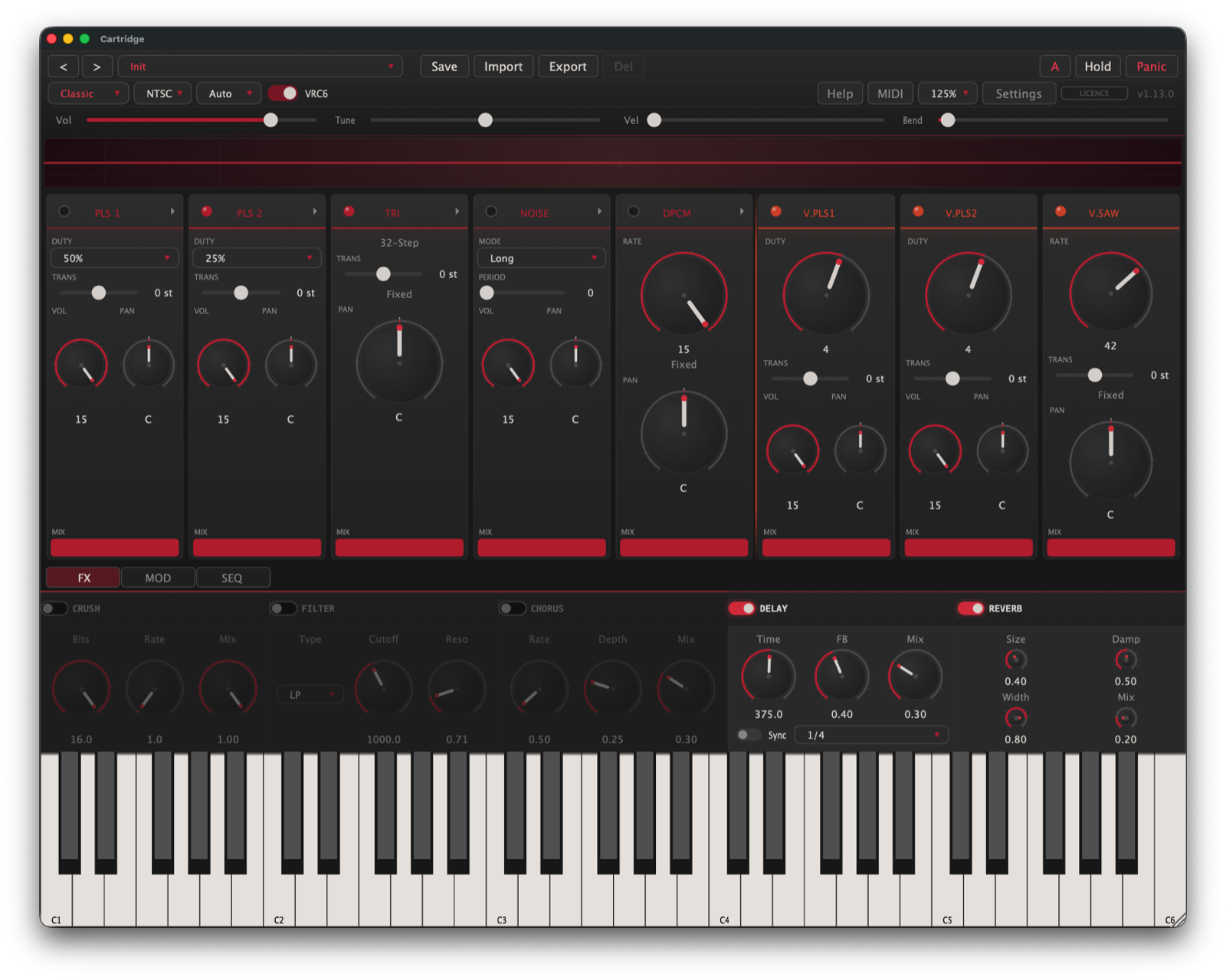
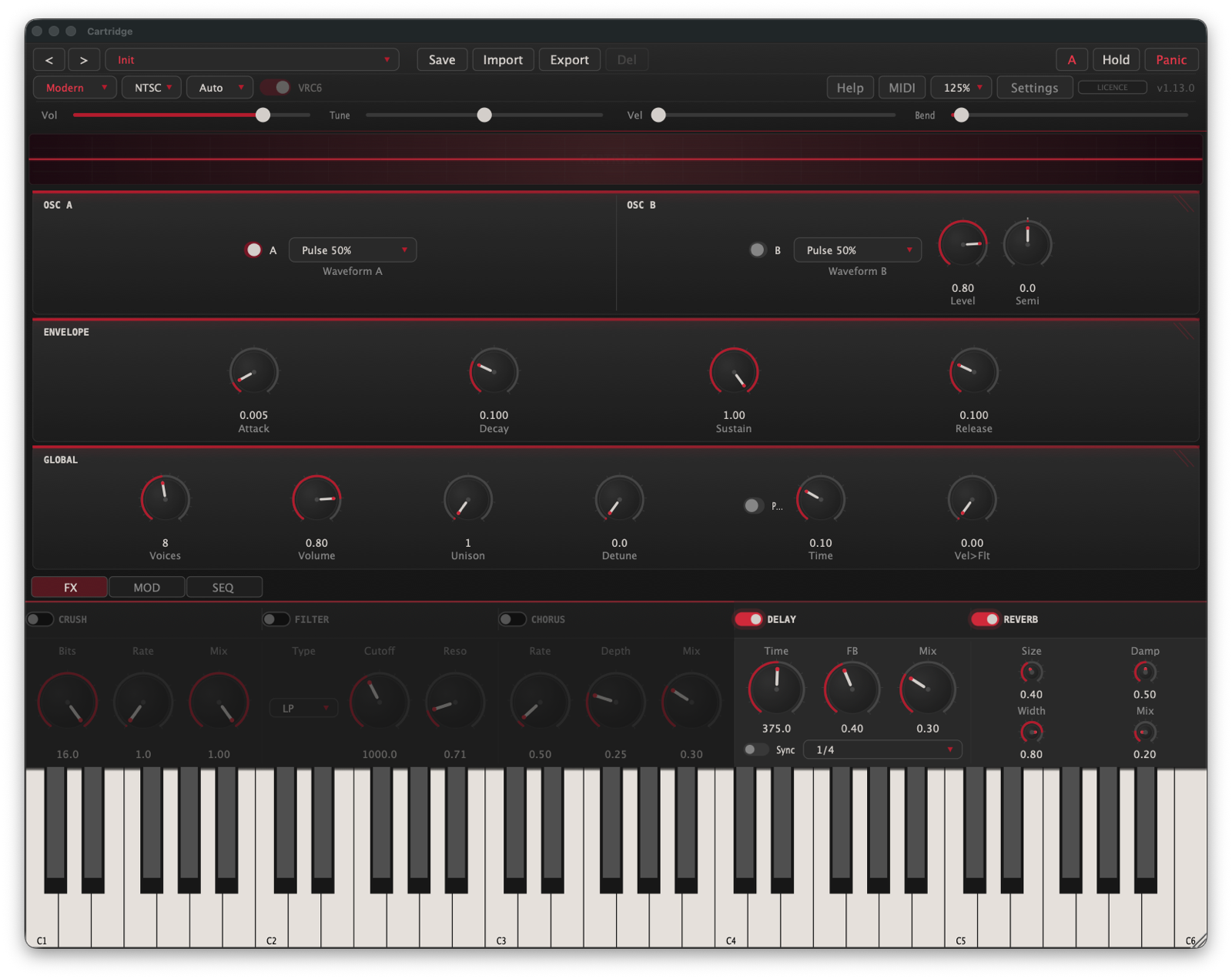
Both, depending on the engine. The Classic engine is the hardware: five independent channels, plus three more with the VRC6 expansion, each one monophonic like the real chip, so you voice a part per channel the way the originals did. Flip to the Modern engine and it's a full polyphonic synth, up to 16 voices, for chords and stacks the chip could never hold.
What channels does it have? Does it include the VRC6 expansion?
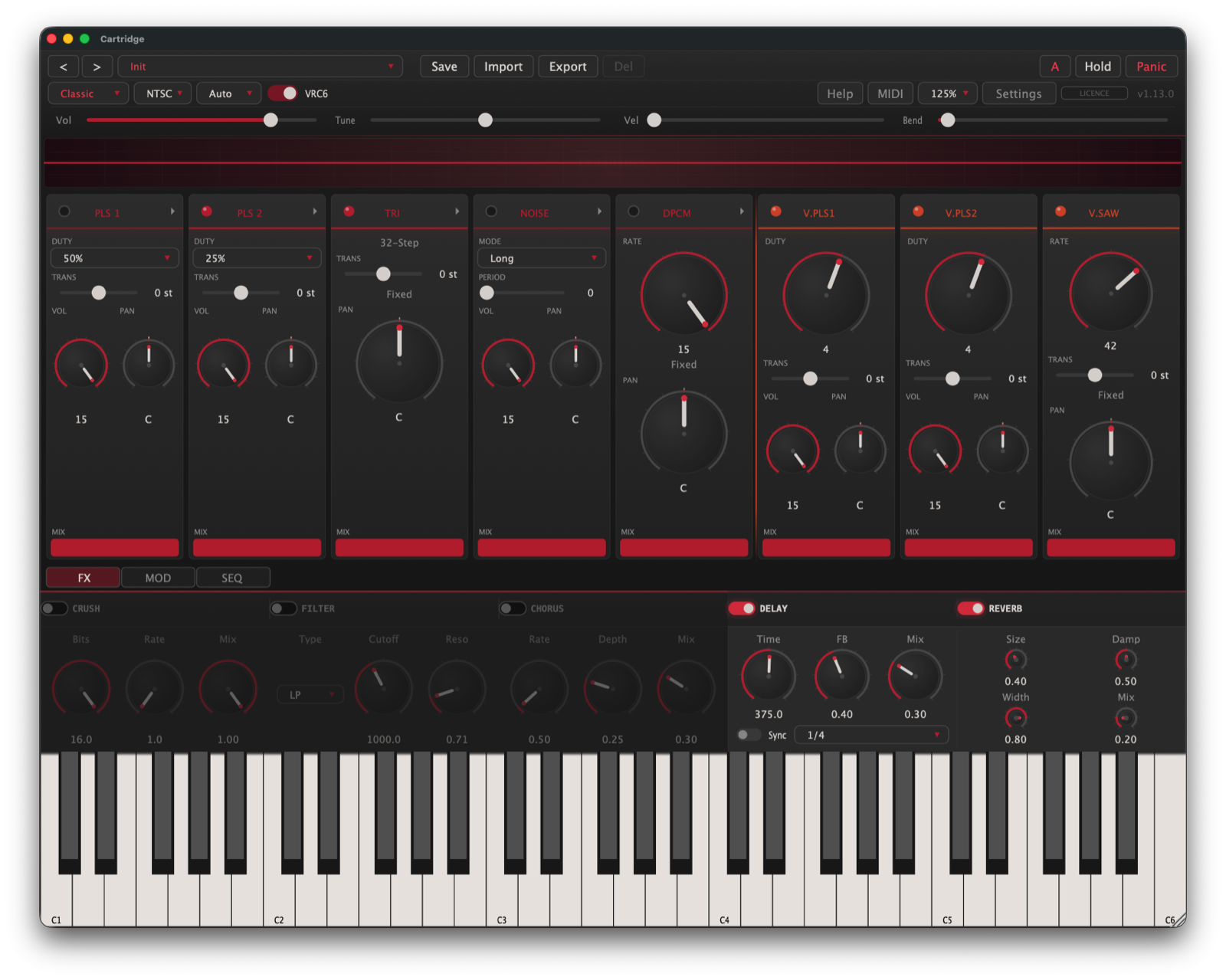
The Classic engine gives you the full 2A03: two pulse channels, a triangle, a noise channel, and a DPCM sample channel. The optional VRC6 expansion adds two more pulses and a sawtooth on top, eight voices in all. Every channel has its own volume, pan, duty, and step sequence.
Do I need to know chiptune to use it?
No. Start from a preset, play your keyboard, and you're making 8-bit music. Hover any control for a plain-English description, and the built-in Help screen explains the chip, the jargon, and the shortcuts. Go as deep as you want, or don't.
Can I import old chiptune files?
Yes. Drop in a .vgm or .vgz file and Cartridge pulls each instrument out as a preset, with its volume, pitch and duty envelopes intact. It's the fast way to lift the exact voices from decades of chiptune and play them from your keyboard, or drop them straight into the step sequencer.
Does the step sequencer lock to my DAW tempo?
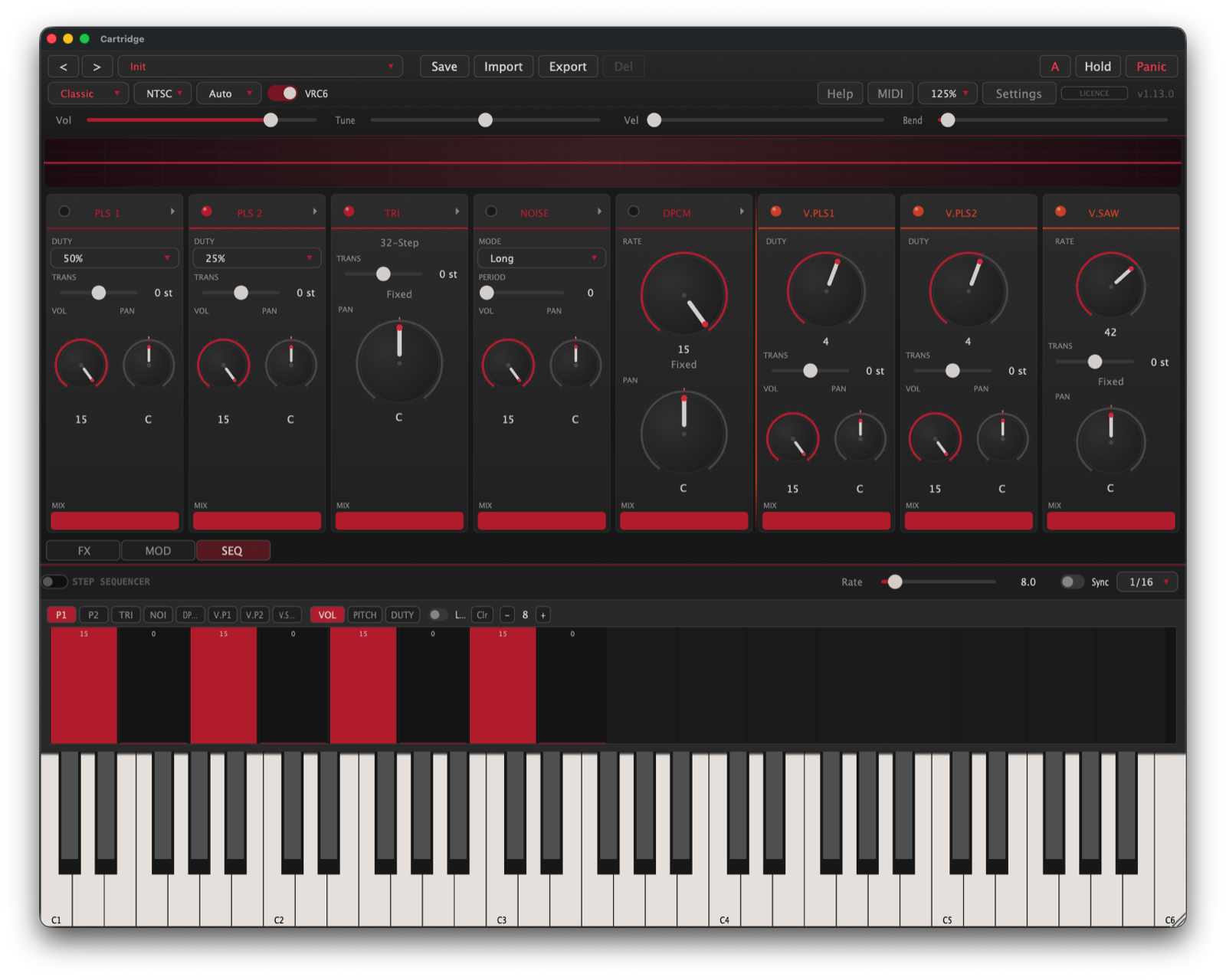
Yes. Every channel has its own tracker-style sequencer: 16 steps across volume, pitch and duty lanes, synced to your host tempo and loopable. Hold a single note and Cartridge plays the whole line, basslines and arps and wobbles included. The sequence rides with the preset and saves into your project.
How does MIDI map across the channels?
Four ways, switchable. Split puts one channel on each MIDI channel, so you can sequence the parts independently. Auto spreads notes across the enabled channels round-robin for instant polyphony. Mono stacks everything on one voice, and Layer fires every channel on each key for thick unisons. The Modern engine also reads per-note MPE pitch bend.
Can I make and share my own presets?
Yes. Cartridge ships with 95 factory presets to start from, and you can save, name and share your own as small files, embedded step sequences included. Send a patch to someone and it loads back exactly as you made it.
What do I need to run it?
macOS 11 or later (Apple Silicon or Intel, universal binary), Windows 10 or later (64-bit), or Linux (x86-64). It runs at your project's sample rate in any modern DAW, or as a standalone app on its own. Load it as VST3, AU (macOS), or CLAP.
Which DAWs does it work in?
Anything that hosts VST3, AU, or CLAP: Logic, Ableton Live, Reaper, Bitwig, FL Studio, Cubase, and the rest. AU is there specifically for Logic and GarageBand. There's also a standalone build for when you just want to play without opening a DAW.
How do I install it, and can I remove it cleanly?
On macOS there's an installer: open it, tick the formats you want, done. It's signed and notarised by Apple, so no security warnings, and it leaves an uninstaller behind that removes everything in one click while keeping your presets. Windows and Linux are a zip you drop into the usual plugin folders. The setup guide walks through all three.
Is there a free demo, and what's the licence?
Try the full instrument free, then one purchase unlocks it, yours to keep. Anything you make with Cartridge is yours to release, sell, and licence however you like, with no royalties and nothing to attribute. Activation is one-time and binds your key to that machine, up to three at once, and you can free a seat yourself from the licence badge. After that it never phones home: no iLok, no subscription, no account. Full terms in the licence agreement.
Can I run it on Windows and Linux too?
Yes. One purchase covers all three platforms: VST3, CLAP and standalone on Windows and Linux (AU is macOS-only). The macOS build is signed and notarised. The Windows build is currently unsigned, so SmartScreen may warn you once on the first run; click through and you're set. All 1.x updates are included, and if it turns out not to be for you, email within 14 days for a refund.